> For the complete documentation index, see [llms.txt](https://docs.oidc-spa.dev/llms.txt). Markdown versions of documentation pages are available by appending `.md` to page URLs; this page is available as [Markdown](https://docs.oidc-spa.dev/features/user-account-management.md).
# User Account Management
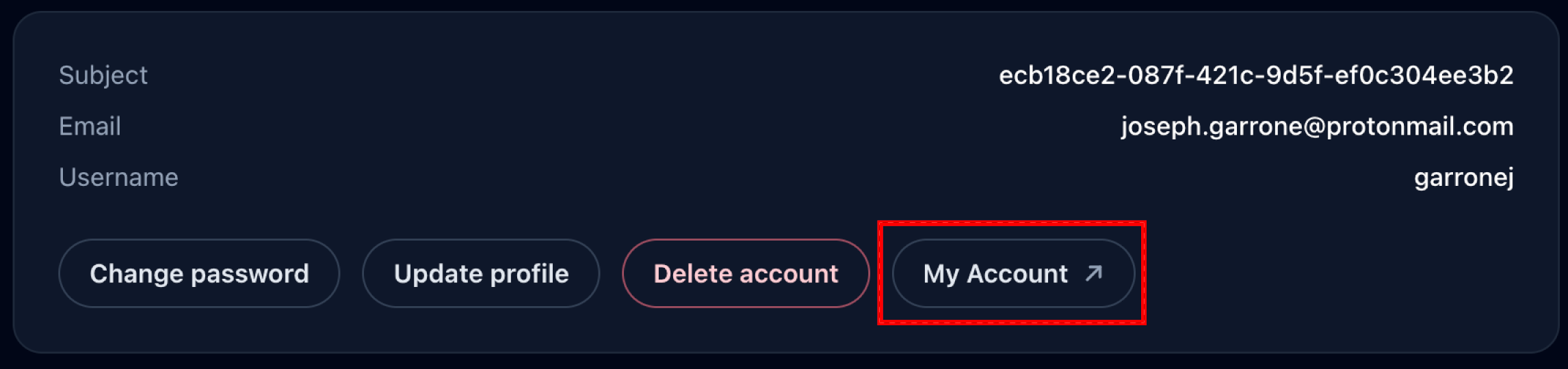
## Redirecting to your IdP's account managment page
IdP always provide a user account page that let users, update their password, account information, manage their session.\
If you are using Keycloak you can generate the link to the Account Console with:
{% tabs %}
{% tab title="Framework Agnostic" %}
```typescript
import { createKeycloakUtils } from "oidc-spa/keycloak";
const keycloakUtils = createKeycloakUtils({ issuerUri: oidc.issuerUri });
const accountLinkUrl = keycloakUtils.getAccountUrl({
clientId: oidc.clientId,
validRedirectUri: oidc.validRedirectUri,
locale: "en" // Optional
});
```
{% endtab %}
{% tab title="React" %}
```typescript
const { issuerUri, clientId, validRedirectUri } = useOidc();
const keycloakUtils = createKeycloakUtils({ issuerUri });
const accountLinkUrl = keycloakUtils.getAccountUrl({
clientId,
validRedirectUri,
locale: "en" // Optional
});
```
{% endtab %}
{% tab title="Angular" %}
{% code title="src/app/app.ts" %}
```typescript
import { Oidc } from './services/oidc.service';
@Component({
selector: 'app-root',
templateUrl: './app.html',
})
export class App {
oidc = inject(Oidc);
keycloakUtils = createKeycloakUtils({
issuerUri: this.oidc.issuerUri,
});
accountUrl = this.keycloakUtils.getAccountUrl({
clientId: this.oidc.clientId,
validRedirectUri: this.oidc.validRedirectUri,
locale: "en" // Optional
})
}
```
{% endcode %}
{% endtab %}
{% endtabs %}
## Direct Link to Specific Actions
{% hint style="info" %}
In this section we assume you are using Keycloak. If you are using another authentication server you'll have to addapt the `queryParameter` provided.
{% endhint %}
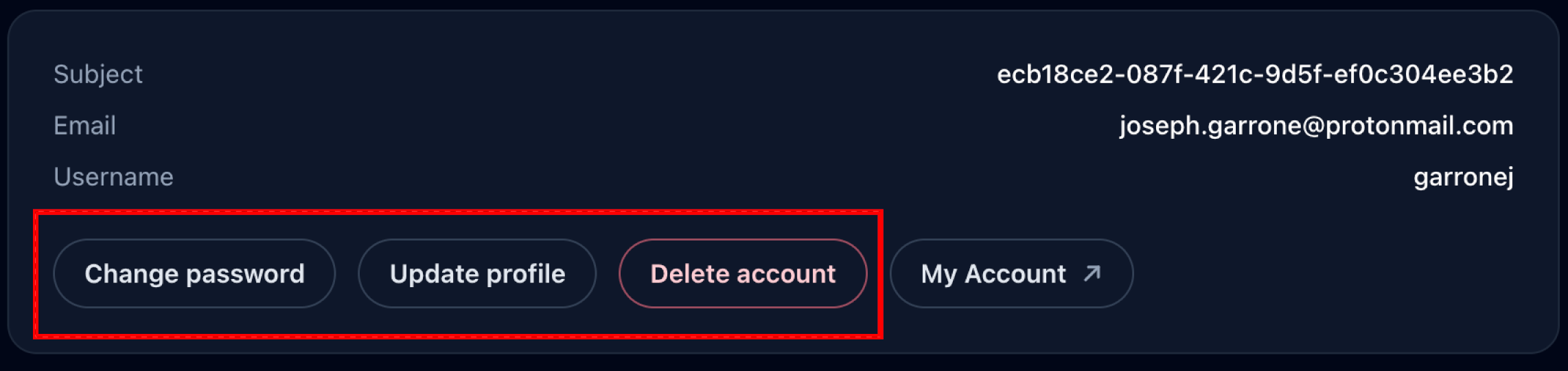
There is thee main actions:
* **UPDATE\_PASSWORD**: Enables the user to change their password.
* **UPDATE\_PROFILE**: Enable the user to edit teir account information such as first name, last name, email, and any additional user profile attribute that you might have configured on your Keycloak server.
* **delete\_account**: (In lower case): This enables the user to delete he's account. You must enable it manually on your Keycloak server Admin console. See [Keycloak Configuration Guide](/providers-configuration/keycloak.md).
Let's, as an example, how you would implement an update password button:
{% tabs %}
{% tab title="Vanilla API" %}
```typescript
import { createOidc } from "oidc-spa";
import { parseKeycloakIssuerUri } from "oidc-spa/tools/parseKeycloakIssuerUri";
const oidc = await createOidc({ ... });
if( oidc.isUserLoggedIn ){
// Function to invoke when the user click on your "change my password" button.
const updatePassword = ()=>
oidc.goToAuthServer({
extraQueryParams: {
kc_action: "UPDATE_PASSWORD"
}
});
// NOTE: This is optional, it enables you to display a feedback message
// when the user is redirected back to your application after completing
// or canceling the action.
if(
oidc.backFromAuthServer?.extraQueryParams["kc_action"] === "UPDATE_PASSWORD"
){
switch(oidc.backFromAuthServer.result["kc_action_status"]){
case "canceled":
alert("You password was not updated");
break;
case "success":
alert("Your password has been updated successfuly");
break;
}
}
}
// Url for redirecting users to the keycloak account console.
const keycloakAccountUrl = parseKeycloakIssuerUri(oidc.params.issuerUri)
.getAccountUrl({
clientId: params.clientId,
backToAppFromAccountUrl: `${location.href}${import.meta.env.BASE_URL}`
});
```
{% endtab %}
{% tab title="React" %}
```tsx
import { useOidc } from "@/oidc";
function ProtectedPage() {
// Here we can safely assume that the user is logged in.
const { goToAuthServer, backFromAuthServer, params } = useOidc({ assert: "user logged in" });
return (
<>
{/*
Optionally you can display a feedback message to the user when they
are redirected back to the app after completing or canceling the
action.
*/}
{backFromAuthServer?.extraQueryParams["kc_action"] === "UPDATE_PASSWORD" && (
{(()=>{
switch(backFromAuthServer.result["kc_action_status"]){
case "success":
return "Password successfully updated";
case "cancelled":
return "Password unchanged";
}
})()}
}
}
```
{% endtab %}
{% endtabs %}
---
# Agent Instructions
This documentation is published with GitBook. GitBook is the documentation platform designed so that both humans and AI agents can read, navigate, and reason over technical content effectively. Learn more at gitbook.com.
## Querying This Documentation
If you need additional information that is not directly available in this page, you can query the documentation by asking a question.
Perform an HTTP GET request on the following URL with the `ask` and `goal` query parameters:
```
GET https://docs.oidc-spa.dev/features/user-account-management.md?ask=&goal=
```
`ask` is the immediate question: it should be specific, self-contained, and written in natural language.
`goal` is what the user is ultimately trying to achieve, the reason they need the answer. Sharing it helps GitBook give you a better, more relevant answer. A goal is most helpful when it describes the outcome the user wants rather than restating the question. For example, with `ask=how do I create an API token`, a goal like `automate deployments from our CI pipeline` lets GitBook tailor the answer to that use case.
The response will contain a direct answer to the question and relevant excerpts and sources from the documentation.
Use this mechanism when the answer is not explicitly present in the current page, you need clarification or additional context, or you want to retrieve related documentation sections.